

You strengthen your real-world flying skills by using flight simulators that replicate true aircraft behavior, system logic, and environmental variables with precision.
Whether you’re building procedural mastery for your private pilot licence or keeping proficiency sharp between check-rides, the right simulator can make every session count. This guide helps you select the most effective training platforms, highlighting each simulator’s strengths, training value, and ideal use case for real-world application.
Microsoft Flight Simulator 2024

Microsoft Flight Simulator 2024 remains one of the most visually accurate simulators available. It integrates real-time weather, global terrain mapping, and photogrammetric cities—helping you refine visual navigation and airport recognition.
You’ll benefit from detailed VFR training by matching your virtual route to real topography. The simulator’s live air traffic and ATC environment can sharpen your situational awareness under workload. The default aircraft are intuitive, but to gain procedural fidelity you’ll want professional add-ons like PMDG or A2A aircraft.
For practical flying enhancement, set deliberate training sessions—pattern work, instrument scans, and emergency procedures—to transform those realistic visuals into precision habits that carry over to your cockpit.
X-Plane 12
X-Plane 12 is engineered with a physics-based flight model that captures aerodynamic behavior accurately, from ground effect to crosswind drift. Professional pilots often rely on it for procedural training because its aircraft respond like their real counterparts.
You can simulate instrument approaches, system failures, and high-altitude performance with remarkable fidelity. The simulator’s customizable environment lets you create realistic IFR and VFR scenarios for Cessna trainers or Boeing 737s.
Its compatibility with certified hardware like Redbird or Honeycomb yokes makes it an effective bridge between desktop and professional training devices—turning your home setup into a reliable flight lab.
Prepar3D by Lockheed Martin
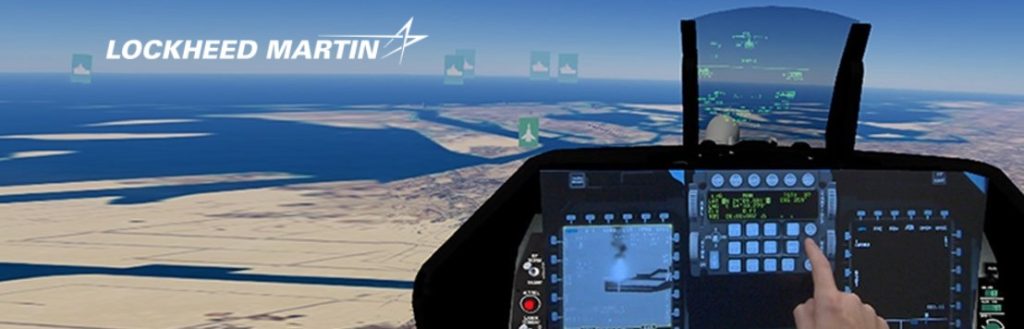
Prepar3D was designed as a professional visual simulation platform used by academic and military training centers. Built on the legacy of Microsoft ESP, it delivers high-fidelity flight physics and a vast ecosystem of advanced aircraft add-ons.
When you want procedural and systems-based training—such as multi-engine management, IFR navigation, or jet operations—Prepar3D performs exceptionally well. Its scenario editor allows you to simulate complex emergency drills, giving you repetition that reinforces decision-making under pressure.
This simulator rewards precision. Treat each session as you would a check-ride: follow full checklists, log flight parameters, and evaluate your performance metrics to build the disciplined repetition every pilot needs.
Aerofly FS 4
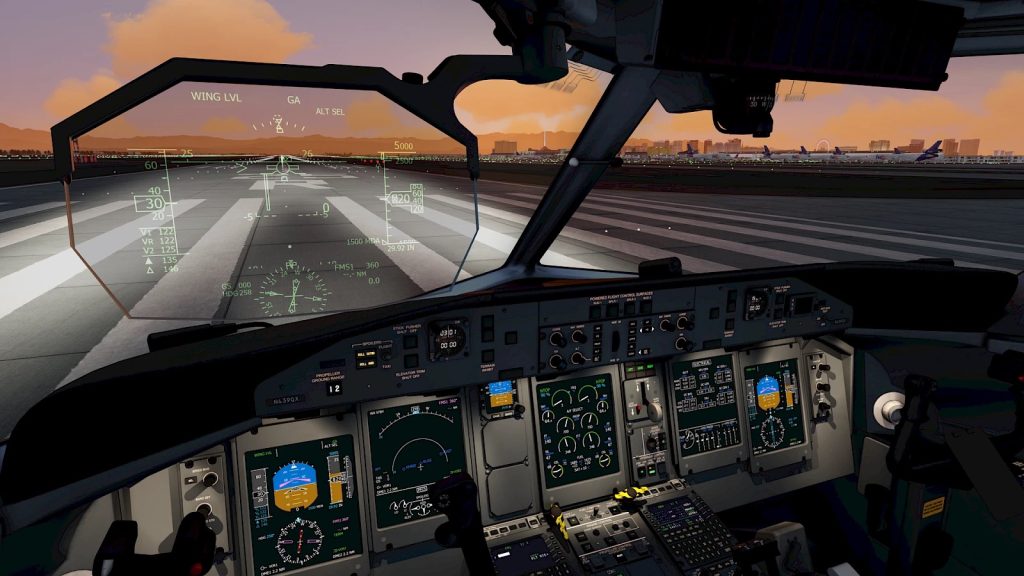
Aerofly FS 4 focuses on flight realism with streamlined setup and high performance on mid-range hardware. It supports an array of aircraft—from gliders and GA planes to airliners—with fully interactive cockpits.
If you want a simulator that prioritizes smooth control feedback and quick startup, Aerofly FS 4 is ideal. It allows fast repetition of takeoffs, landings, and visual approaches, perfect for improving consistency and handling finesse.
Use it to refine hand-flying precision. Practice your flare, side-slip, and energy management across varying runway conditions and crosswinds to maintain muscle memory for the real cockpit.
FlightGear
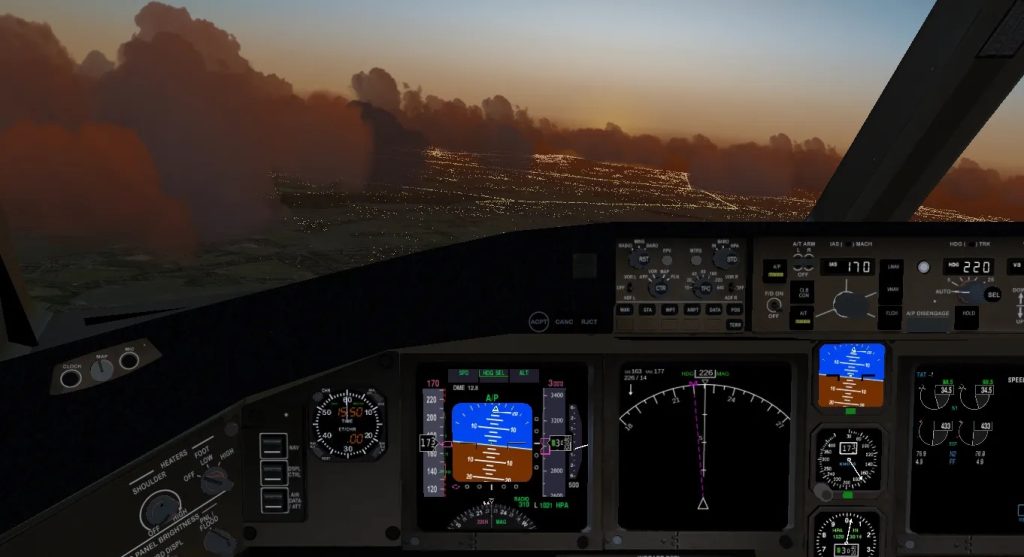
FlightGear is a free, open-source simulator offering broad community support and realistic flight modeling. Though its graphics are less advanced, its procedural accuracy makes it an excellent practice tool for instrument scans and navigation.
For pilots managing tight budgets or training programs with limited resources, FlightGear provides the essentials: functional avionics, navigational aids, and customizable flight dynamics.
You can load global scenery data and simulate real-world flights using open-source weather engines. It’s an effective solution for early-stage pilots to master the basics before upgrading to professional simulators.
Infinite Flight (Mobile)

Infinite Flight transforms mobile devices into portable training tools. While not a substitute for desktop-grade simulators, its intuitive interface and real-time weather data make it valuable for procedural practice anywhere.
You can rehearse instrument approaches, pattern work, and ATC interactions during downtime—commutes, travel, or study breaks. The app’s community servers let you participate in live traffic simulations and air traffic coordination exercises.
Treat this as your on-the-go flight gym: refine radio phraseology, checklist flow, and decision-making habits so your cockpit discipline stays sharp even off duty.
DCS World (Digital Combat Simulator)
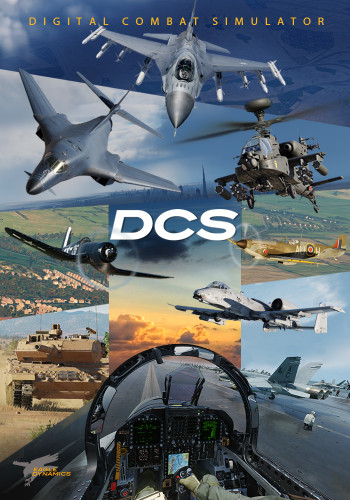
DCS World stands apart for its ultra-detailed flight physics and complex aircraft systems. Though it’s primarily designed for combat aircraft, the realism translates into exceptional training for advanced energy management and high-performance flying.
You’ll gain experience handling turbine engines, managing asymmetric thrust, and operating under tactical stress—all valuable skills for real-world pilots seeking precision control.
Using DCS’s mission editor, you can simulate challenging maneuvers, emergency recoveries, and extreme weather situations—building resilience and reflex control that carry over to any cockpit environment.
Structuring Simulator Sessions for Skill Transfer
To extract the maximum value from these simulators, you must use them like a structured training regimen rather than entertainment. Begin every session with a defined objective: perhaps mastering a specific approach, executing engine-out drills, or improving instrument scan rate.
Here’s a framework you can use:
- Plan: choose aircraft, route, weather, and procedure.
- Execute: run through complete pre-flight and in-flight checklists.
- Inject stress: add variables such as wind, turbulence, or low visibility.
- Evaluate: review replay data, note deviations, and record improvement points.
- Repeat: adjust the difficulty or condition until consistency improves.
By applying measurable goals and feedback loops, you align your simulator time with professional flight training methodology—the same mindset elite athletes apply to performance tracking.
Hardware That Maximizes Training Value
While software fidelity matters, control hardware defines how well simulator training translates to reality. A quality yoke or joystick, throttle quadrant, and rudder pedals are non-negotiable for muscle memory development.
If your budget allows, add multi-monitor setups or VR headsets to improve spatial awareness. Hardware like Honeycomb Alpha yokes or Logitech G rudder pedals offer realistic resistance that mirrors actual aircraft controls.
Professional pilots often recommend focusing investment on tactile control accuracy rather than elaborate graphics. Your muscle memory will thank you during short-final adjustments or crosswind corrections.
Avoiding Common Simulation Mistakes
Many pilots undercut the training benefit by treating simulators like video games. Over-reliance on autopilot or skipping checklists may feel efficient but erodes procedural integrity.
Turn off assist features early and commit to realistic procedures—manual trimming, ATC phraseology, and accurate navigation. This builds the discipline that defines reliable pilots.
Avoid chasing visual perfection; prioritize performance metrics and procedure precision. Real growth happens when you simulate pressure, track results, and refine each repetition until smooth execution becomes instinct.
How can a flight simulator improve your real-world flying skills?
- Choose accurate flight physics and instruments.
- Practise structured scenarios and failure drills.
- Track metrics to strengthen consistency and decision-making.
Keep Your Training Momentum Going
With the right simulator, you can refine your flying precision, sharpen mental models, and maintain confidence between real-world flights. Each platform above offers a different strength—from Microsoft’s realism to X-Plane’s physics accuracy and DCS’s performance challenge. Combine deliberate practice, consistent feedback, and real-world discipline to turn simulated hours into measurable skill improvement.

Jared Ailstock is Managing Partner at AIP Capital with over 15 years of experience in aviation finance and investment. He specializes in global aviation strategy, asset-backed transactions, and sustainable growth across the aerospace industry.